RadarGap: Android app for real-time speed camera and hazard alerts
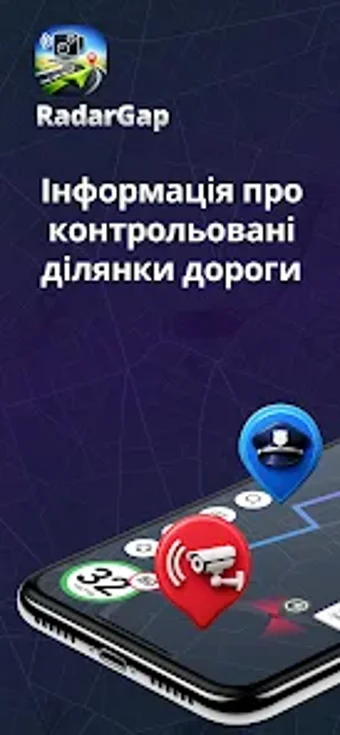
RadarGap, developed by Kateryna Sandul, is an Android driving-assistant app designed to warn motorists about enforcement and hazards. It uses GPS to deliver real-time visual and audible speed camera and radar alerts while navigating. The app also highlights nearby gas stations, police posts, and service points from an updated enforcement database. Daily commuters, professional drivers, and road-trip users benefit from proactive notifications that aim to reduce traffic violations and improve on-road awareness.
What is RadarGap used for?
RadarGap is a location-aware driving assistant that alerts drivers to speed cameras, radar traps, and police checkpoints by using GPS navigation data. The app’s stated purpose is to help motorists maintain legal speeds and avoid fines, making it suited to on-road scenarios where timely warnings matter. The developer positions it as a secondary dashboard tool rather than a primary navigation replacement.
How accurate and reliable are the alerts?
Alerts arrive in real time and combine visual with audible cues, because the app uses GPS to detect proximity to reported enforcement points. The source material notes a regularly updated database of traffic enforcement locations, which supports situational accuracy. Users should expect that detection quality depends on GPS reception and the currency of the enforcement entries in the database.
Does RadarGap work across devices without modifications?
The app runs on modern Android devices and uses standard GPS services, so it operates without device modification. The connection model is direct on-device GPS use; the tool integrates navigation awareness and does not require external hardware. This makes it accessible for most Android users who already rely on GPS for navigation.
What are appropriate use cases and limits?
RadarGap targets commuting, professional driving, and road trips by combining radar detection with nearby service points like gas stations. It is intended for helping drivers avoid enforcement and improve road awareness, not for circumventing platform rules. Users are responsible for ensuring their use complies with applicable platform terms and local regulations.
Practical assessment and suitability
RadarGap is a practical option for drivers who need GPS-based enforcement alerts and roadside point awareness. It suits commuters and professionals who want on-device, real-time warnings backed by an updated enforcement database. Users should note that detection depends on GPS reception and the database entries; treat the app as an informational aid that supports safer speed management rather than a guarantee against enforcement actions.